So, I recently treated myself to a 2017 Chevy SS, which is a rebadged VF Holden Commodore SS. For context, the Chevy SS was sold in the United States from 2014–2017 and is mechanically identical to the Australian VF Commodore SS. I owned a 2003 VY SS back in the 2000s, and this was Holden's last model of the SS, so I thought I'd own one more before they get too old and vanish from earth.
The one must-have modern car feature missing — and where Holden was behind in 2017 — was CarPlay / Android Auto. So I put it in today. I also wanted to keep all of the factory controls working, and I found a way to achieve both.
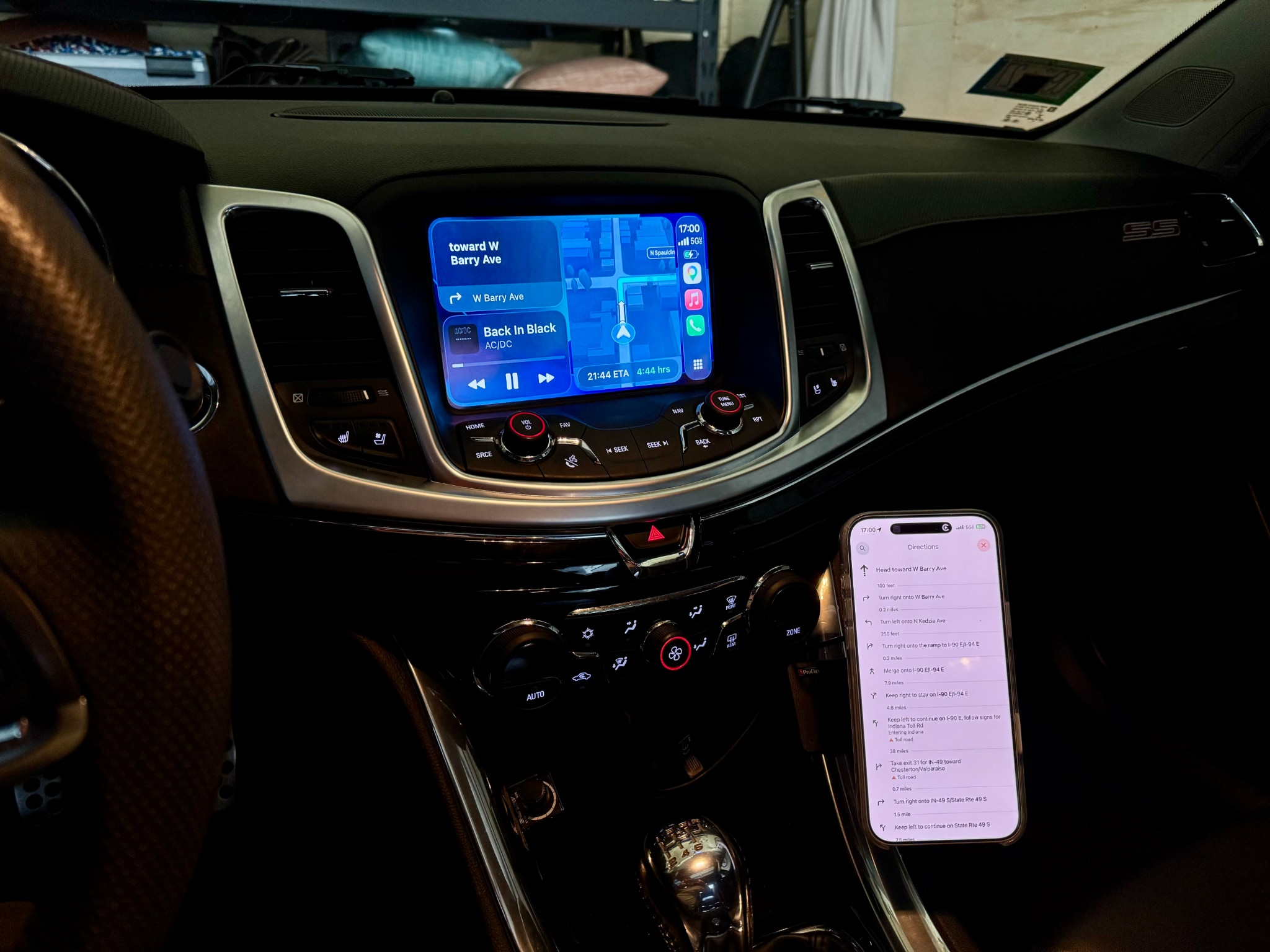
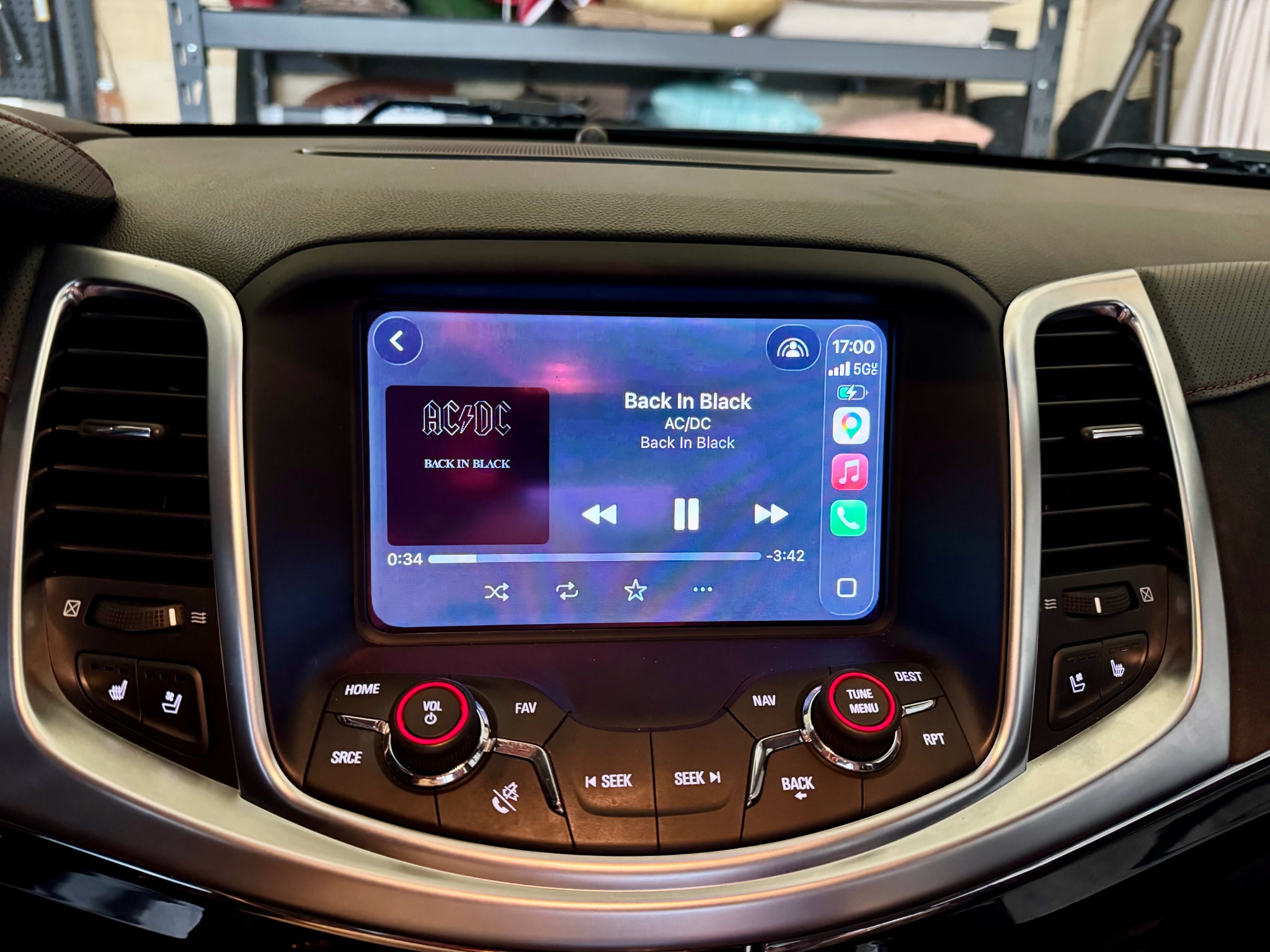
Purchasing + Info
Just wanted to note what I did, as people have been asking and I don't want to keep repeating
myself.
- Bought a Kayhan Audio CarPlay module
- https://kayhanaudio.com.au/product/wireless-apple-carplay-android-auto-module-for-holden-vf-commodore
- The Kayhan Audio K-Play module for Holden VF Series 2 ($599 AUD) provides wireless Apple
CarPlay and Android Auto by integrating directly with the factory MyLink system. It is a
plug-and-play solution that retains factory steering wheel controls, reverse camera, and
climate settings, allowing switching via the factory 'Home' button.
- They have a great YouTube video, but it focuses on the right-hand drive Holden — the Chevy SS
had a few subtle differences.- Official video: https://youtu.be/Py5TN_ZZZG4?si=eOZB_gThgfGlS5VJ
- Helpful Chevy SS video on a competitor's product that covers the Chevy SS dash specifics:
https://youtu.be/iTpmtMQ4YHU?si=4Dy8a7KzuMuItn1R- Main differences included some extra bolts, extra tools needed, and an airbag below the
dashboard that needs to be removed.
- Main differences included some extra bolts, extra tools needed, and an airbag below the
Cost Breakdown
- $599 AU + postage for CarPlay unit ($499 for non VF2)
- ProClip holder and charger ~$130 (USD)
- So say ~$650 USD ...
⚠️ Don't forget: The Kayhan module requires a USB-A to 3.5mm audio jack adapter in the
glovebox to pass audio through the factory system in a VF2
Bonus Hack — Add a Wireless Holder + Charger
To achieve this I bought:
- ProClip Right Console Mount for Chevy SS
- MagicMount 15W Charge Elite Wireless Phone Holder
This works great as the front center console has a cigarette lighter socket to power the wireless
charger.
⚠️ Manual transmission note: The mount position isn't super friendly with the reverse gear
throw. I have to angle the phone holder to the far right to clear the shifter.
Install Notes
It was, as they say, not super difficult — even for someone like me who is tool-challenged.
The main things I found:
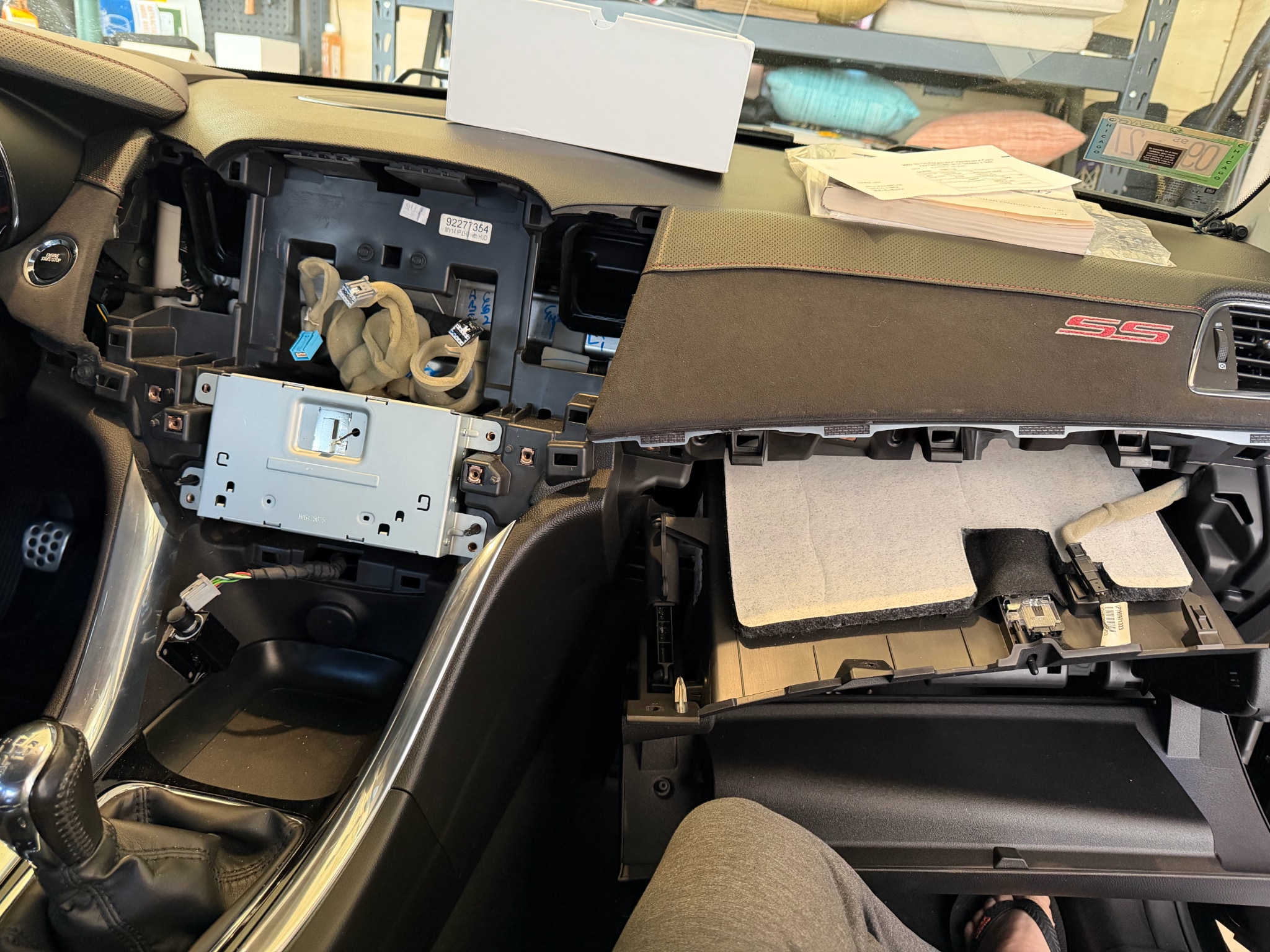
- You will need to route a USB cable into the glovebox.
- I drilled a hole in the left rear side of the glovebox. A small drill bit works well here
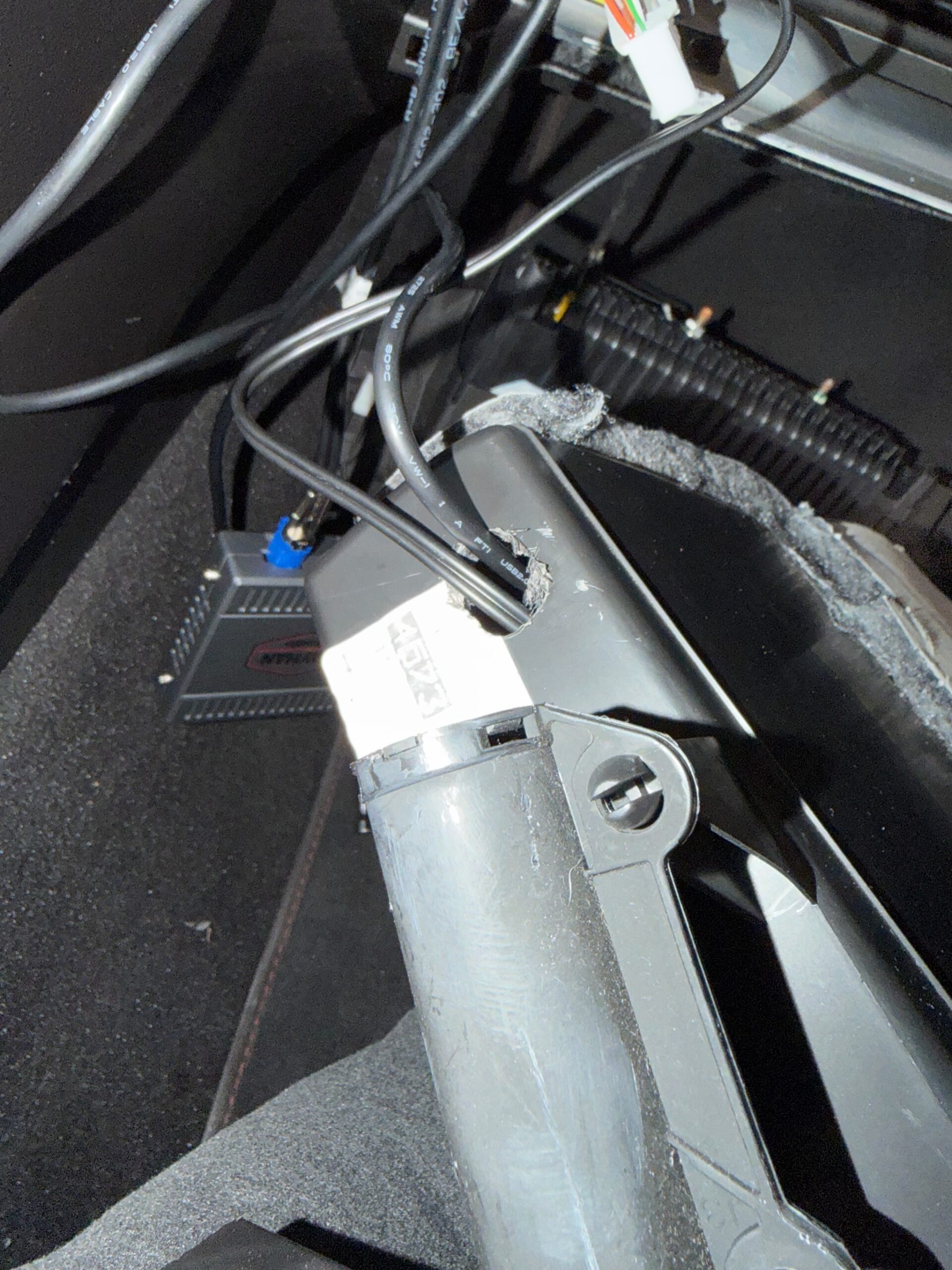
- In a VF Series 2, you have to use a USB-A to 3.5mm jack adapter in the glovebox to pass audio through to the factory system.
- I didn't realize this was needed when purchasing
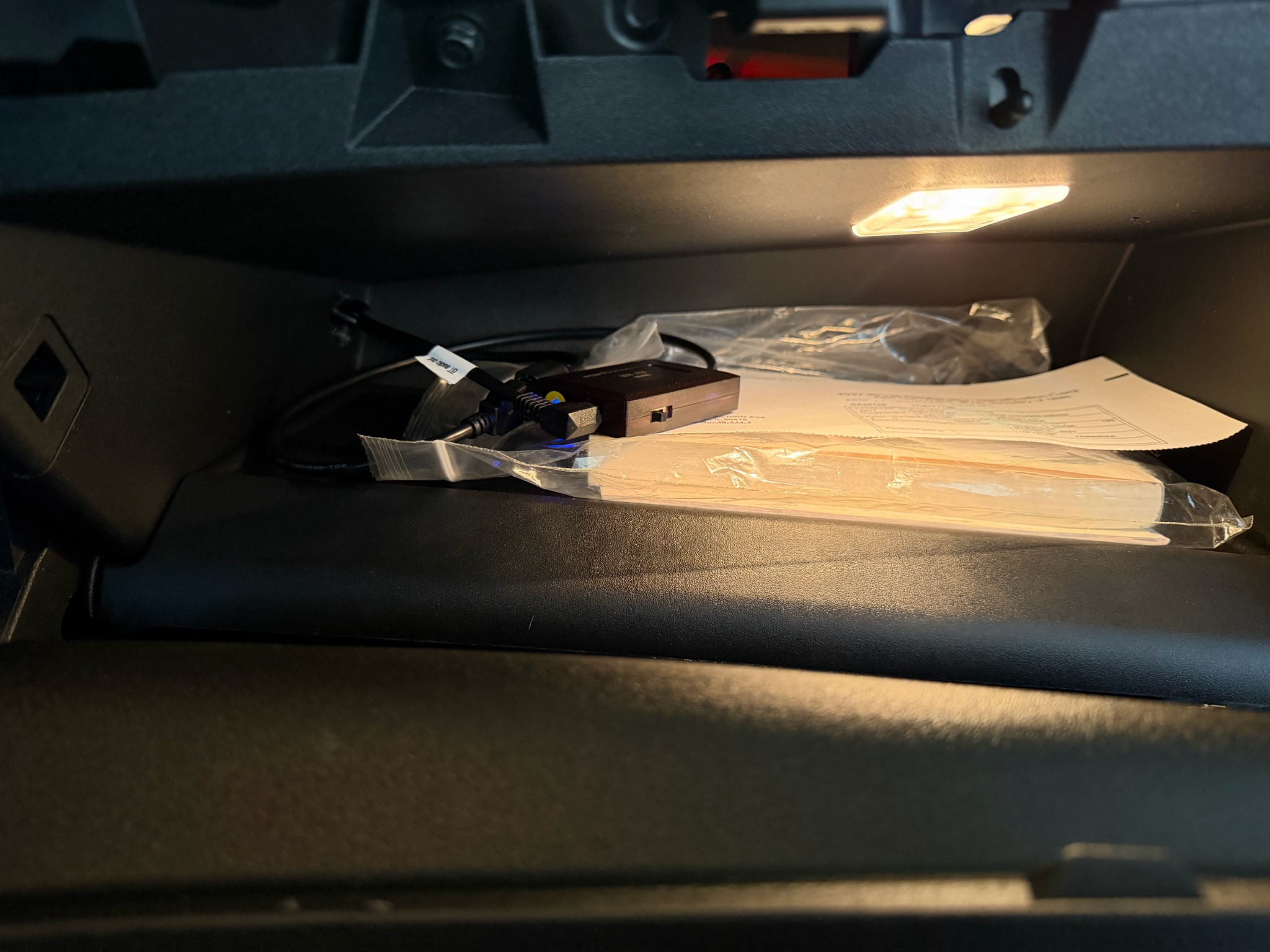
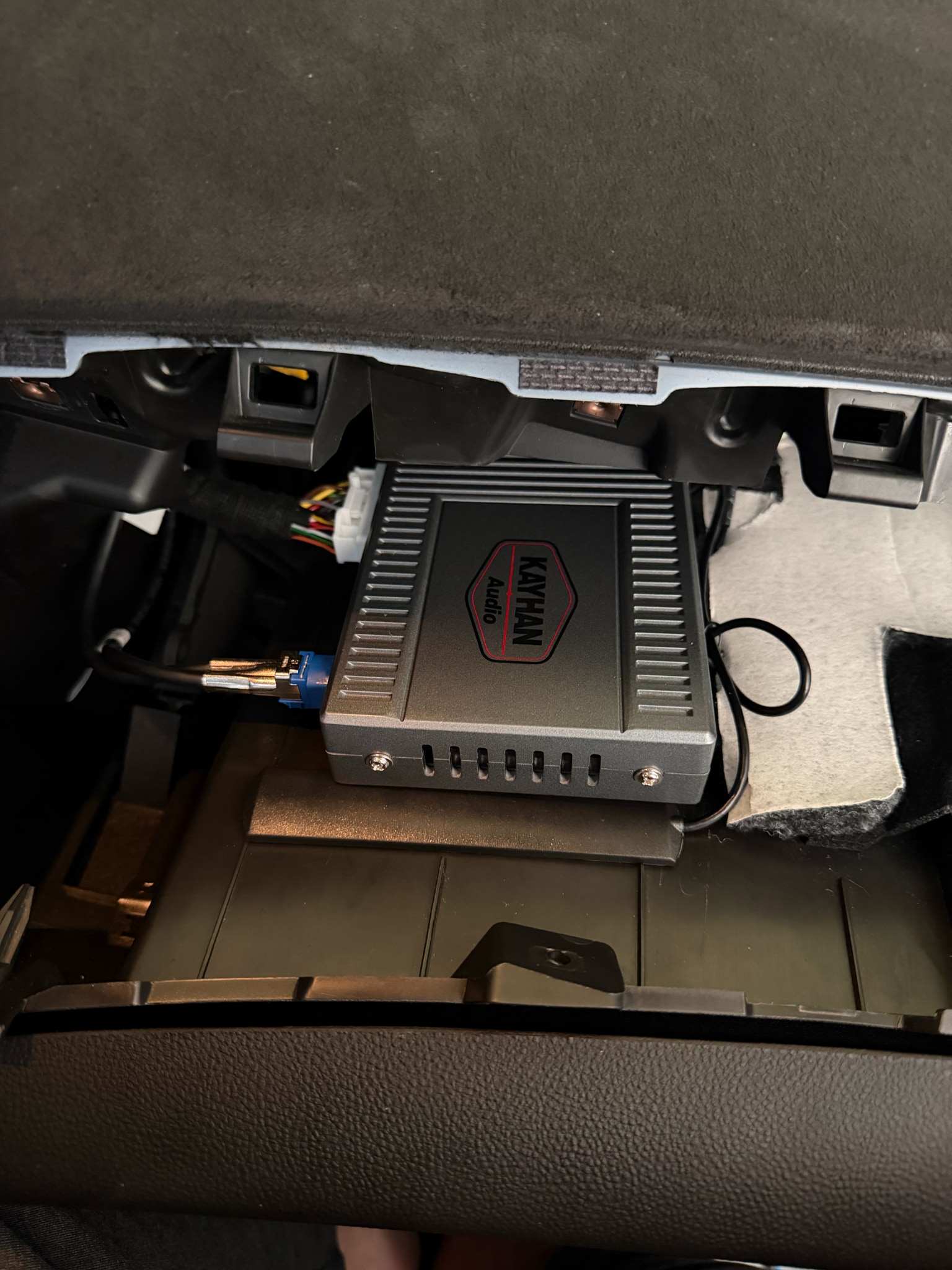
- Here is a view of the unit stuck down on top of the glovebox before install
I'm very happy with the end result. I called my wife, played music, and searched for a destination on the map — it all worked great.
